
Vimbre
Meeting Minutes Template (Free)
Copy this free meeting minutes template to record attendees, decisions and action items. Or let Vimbre write your minutes for you.
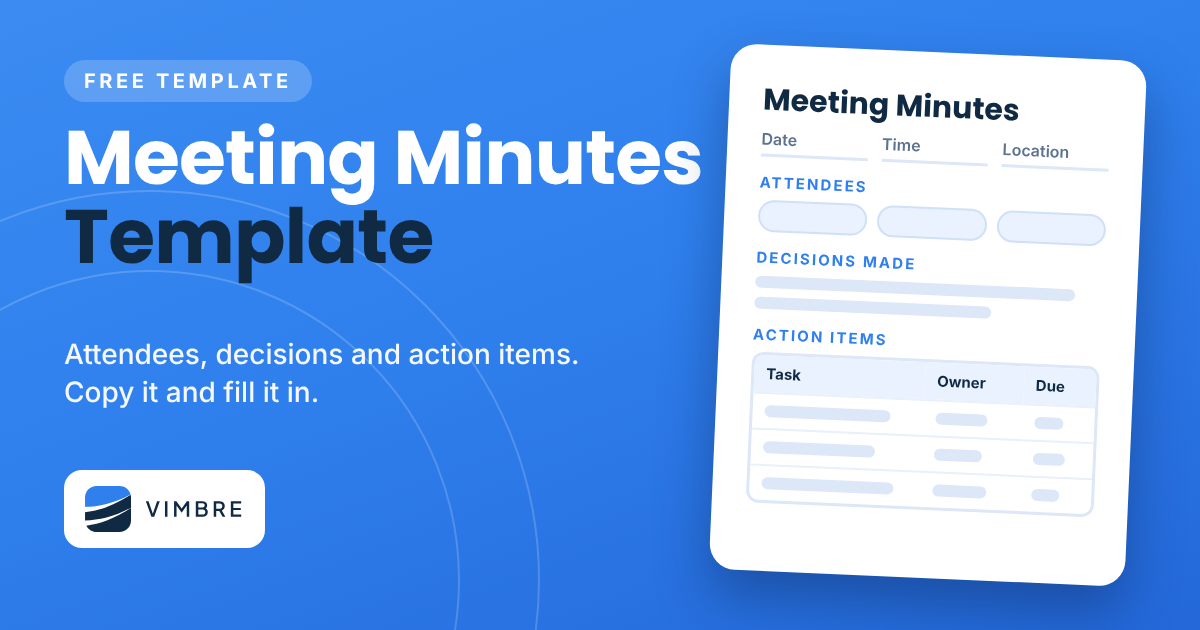
Meeting minutes template
Skip the typing
Vimbre turns your meetings, chats and emails into meeting notes, action items and decisions. Paste your notes or connect your tools, and every action gets an owner and a due date.
Free for teams up to 3. No credit card needed.
What should meeting minutes include?
- Date, time and place
- Who attended and who sent apologies
- What was discussed
- Decisions made, and the reason for each
- Action items with one owner and one due date
- When you meet next
How to take meeting minutes
- Prepare the agenda and attendee list before the meeting.
- Record decisions and actions, not every word.
- Write the reason next to each decision.
- Give every action one owner and one date.
- Send the minutes within 24 hours.
- Check the actions at the start of the next meeting.
Meeting minutes example
- Weekly team meeting, 12 November, 10:00.
- Attendees: Priya, Sam, Lee.
- Decision: move the launch to 3 December, because testing needs one more week. Decided by Sam.
- Action: Priya updates the client by Friday.
- Action: Lee finishes testing by 1 December.
- Next meeting: 19 November.
Meeting minutes template FAQs
Notes are your own record of what was said. Minutes are the official record of decisions and actions, shared with everyone who attended.
How long should meeting minutes be?
One page is enough for most meetings. Record decisions, reasons and actions, not every comment.
Can AI write meeting minutes?
Yes. Tools like Vimbre turn a meeting or chat into minutes, action items and decisions, which you can edit before sharing.
Never write minutes by hand again
Vimbre captures what was decided, who owns it and why.